
In short
The best sales CRM is the one your reps want to open every day, not the one with the longest feature list. SuperOffice CRM, Pipedrive, and Salesforce lead for different reasons: SuperOffice CRM for European B2B companies that want sales, marketing, and service in one platform; Pipedrive for simple visual pipelines; Salesforce for complex, multi-department enterprise sales. Below, we compare all 10 on where they genuinely help, and where they quietly let sales teams down.
Choosing the right sales CRM shapes how your whole team works, not just how deals get logged. But with so many CRMs on the market, all claiming to do roughly the same thing, working out which one actually fits your team can feel overwhelming.
Most sales CRM comparisons read the same, because they're written the same way: pull the vendor's own feature page, rewrite it in the third person, add a checkmark table. You end up with ten products that all sound identical, and no closer to an answer.
We tried something different here. Instead of listing what each CRM claims to do, we've focused on the moment it either helps or gets in the way, the follow-up that gets missed, the deal that stalls because nobody owns it, the report that takes an hour to pull together. That's usually where the real difference between CRMs shows up, not in the feature list.
How we evaluated these CRMs
We didn't just scrape G2 star ratings. Each platform was assessed against four questions that predict whether a sales team keeps using a CRM past month three:
1. Does it match how B2B sales really work, multiple stakeholders, longer cycles, relationship-led deals?
2. Will reps use it without being chased, or does it need a manager standing over their shoulder?
3. Does it talk to the rest of the business (marketing, service, ERP), or does it trap sales data in its own silo?
4. What does it cost to run properly, once you add the modules, the implementation partner, and the training?
SuperOffice has spent 30+ years building CRM for European B2B companies, so we know exactly where a sales CRM tends to fall apart in real use: not at the demo, but six months in, when the novelty wears off and the data starts drifting.
Quick comparison: best sales CRMs at a glance
| CRM | Best for | Where it breaks down | Marketing & service in one platform |
| SuperOffice CRM | European B2B companies that want sales, marketing, and service in one platform | Less suited to teams that only ever need a bare-bones contact list | Yes |
| Pipedrive | Simple, visual pipeline management | Thin once you need marketing or service data in the same view | No |
| Salesforce | Complex, multi-department enterprise sales | Needs admin resource and budget most SMBs don't have | Yes, at enterprise cost |
| HubSpot CRM | Startups that want a free entry point | Costs climb fast once you need real sales automation | Yes |
| Zoho CRM | Budget-conscious companies that want deep customisation | Customisation itself becomes the project | Yes |
| Freshsales | Sales teams that want built-in calling | AI features outpace the core pipeline experience | Partial |
| Copper CRM | Google Workspace-first teams | Weak outside Gmail and Calendar | No |
| Monday Sales CRM | Teams already using Monday.com for work | Built as an add-on to a work OS, not a sales-first tool | No |
| Teamleader | European agencies combining sales with invoicing | Less depth on sales pipeline forecasting than dedicated sales CRMs | Yes, project-focused |
| Insightly | Teams managing long post-sale delivery | Sales-specific features are thinner than project features | No |
1. SuperOffice CRM
Best for: B2B companies that want sales, marketing, and service in one platform, without stitching three tools together.
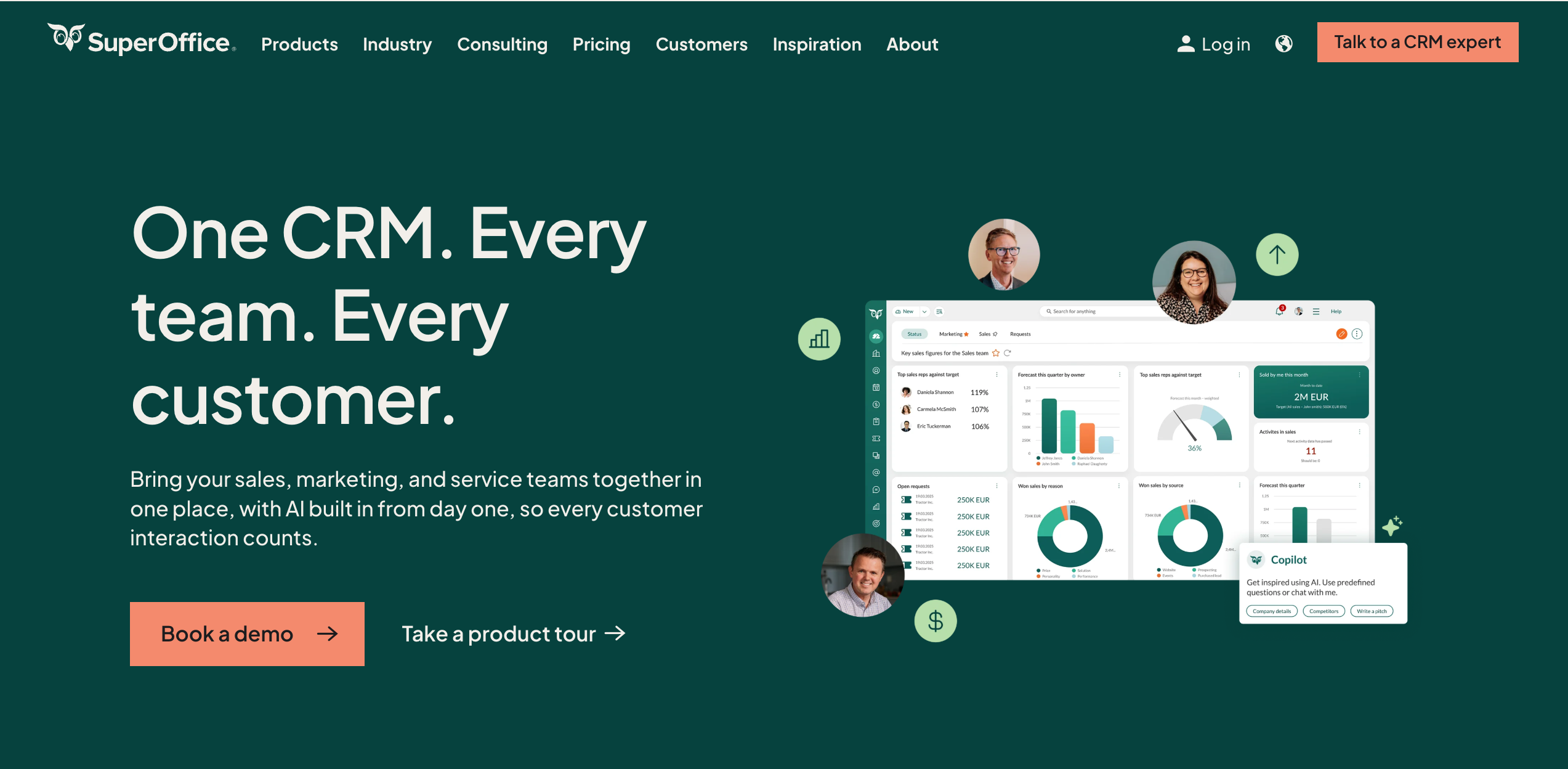
SuperOffice was built for European B2B companies specifically, not adapted from a generic global template, and covers the full customer relationship, not just the deal. That shows up in the details: guided sales stages that match how longer, multi-stakeholder B2B deals move, GDPR-first hosting, and native integrations to Microsoft 365 and ERP systems so sales data doesn't live in its own bubble.
Where it breaks down: if your entire process is a single rep working a short, one-call sales cycle, SuperOffice's depth is more than you need. It's built for sales teams managing real relationships over time, not one-off transactions.
Product highlights:
- CRM Fast Track: pre-built templates so new teams are set up in days, not months
- Sales workflows: guided stages that keep deals moving instead of stalling in someone's inbox
- Suite-based pricing: sales, marketing, and service included across every plan, no forced add-ons or implementation partner required to get the full platform
2. Pipedrive
Best for: Sales teams that want a visual, no-frills pipeline.
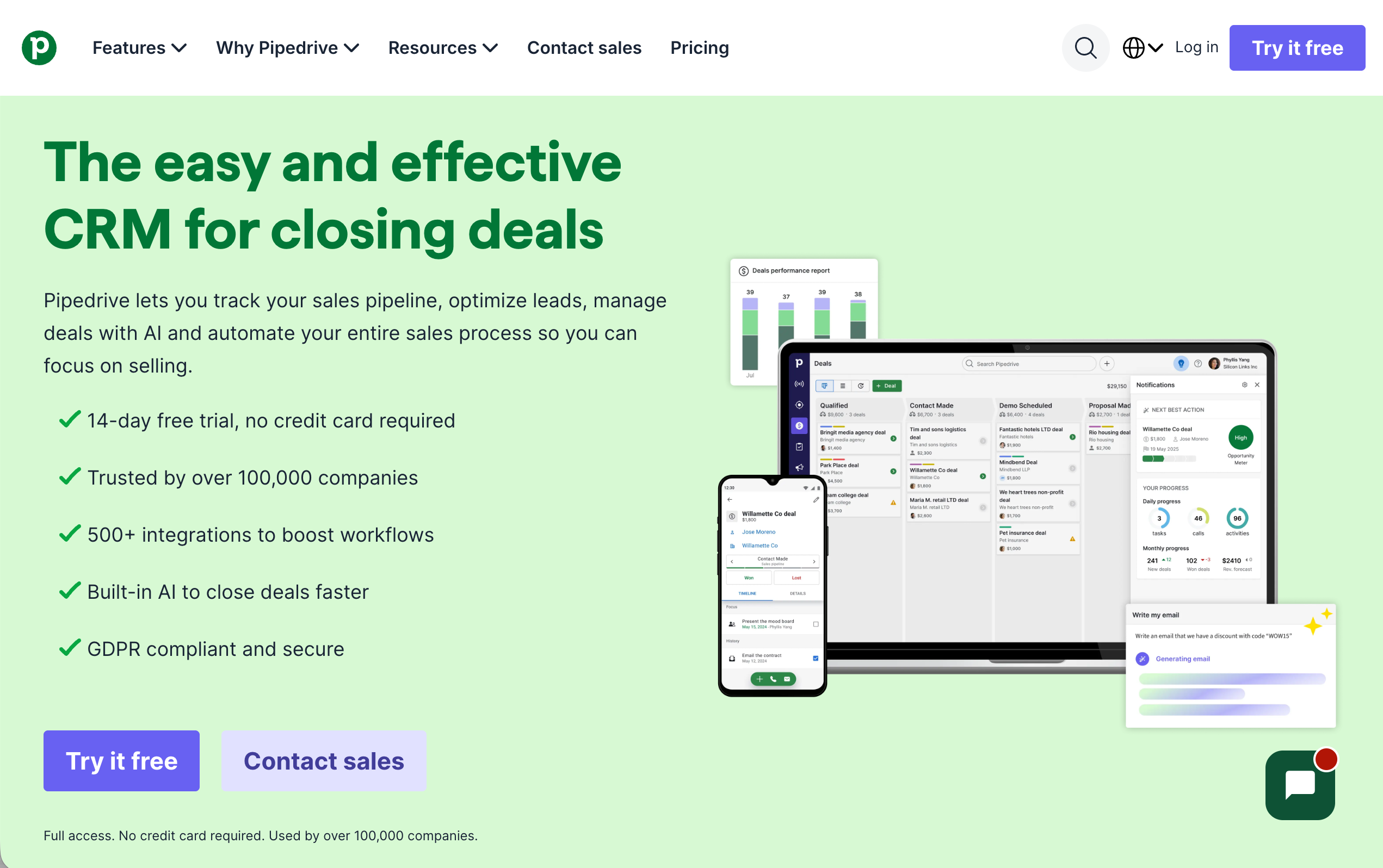
Pipedrive's kanban-style pipeline is genuinely easy to pick up, which is why it ranks well with small sales teams. Reps can see every deal's stage at a glance, and the built-in sales assistant flags what needs attention.
Where it breaks down: Pipedrive is a sales tool, full stop, not a CRM in the fuller sense SuperOffice covers above. The moment you need marketing and customer service to see the same customer record, you're back to syncing two or three separate systems, which is the exact problem a CRM is supposed to solve.
3. Salesforce Agentforce Sales
Best for: Enterprises with dedicated admin resource and complex, multi-region sales operations.
Salesforce has a depth of customisation that is unmatched, and its AppExchange ecosystem means almost any workflow can be built. For large, well-resourced sales orgs, that flexibility is worth it.
Where it breaks down: that same flexibility is a liability for most SMBs. Salesforce typically needs a dedicated admin and an implementation partner to configure, and the overall G2 satisfaction gap between Salesforce and more focused European CRMs has narrowed considerably, meaning companies are increasingly paying enterprise prices for capability they'll never fully use.
See our full comparison: SuperOffice CRM vs Salesforce: which is right for European B2B teams?
4. HubSpot CRM
Best for: Startups that want a free CRM to start with.
HubSpot has a free tier that includes email tracking, pipeline management, and meeting scheduling, which makes it a genuinely useful starting point for very early-stage companies.
Where it breaks down: the free tier is a taste, not the product. Real sales automation, custom reporting, and deeper sequencing sit behind paid tiers that climb quickly as the team grows, and by the time you need them, you're effectively buying a different CRM.
See our full break down: SuperOffice CRM vs. HubSpot CRM: Which is right for your sales team?
5. Zoho CRM
Best for: Budget-conscious companies that want to build something highly specific.
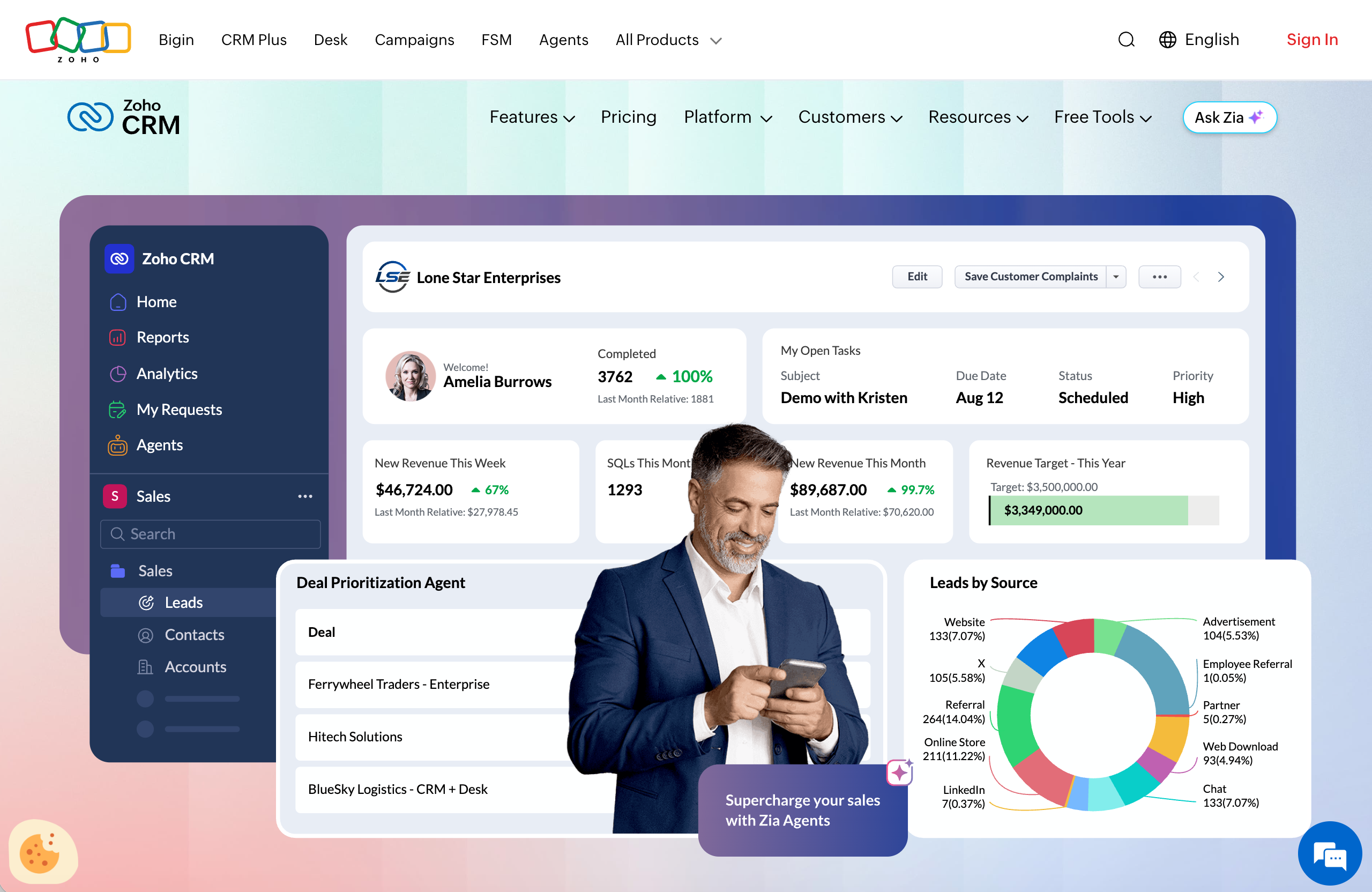
Zoho packs in a lot for the price: forecasting, email automation, and Zia, its AI assistant. Part of the larger Zoho One suite, it suits companies already bought into that ecosystem.
Where it breaks down: the depth of customisation cuts both ways. Companies without an internal admin often end up spending as much time configuring Zoho as they save using it.
6. Freshsales
Best for: Hybrid or distributed sales teams that want calling built in, not bolted on.
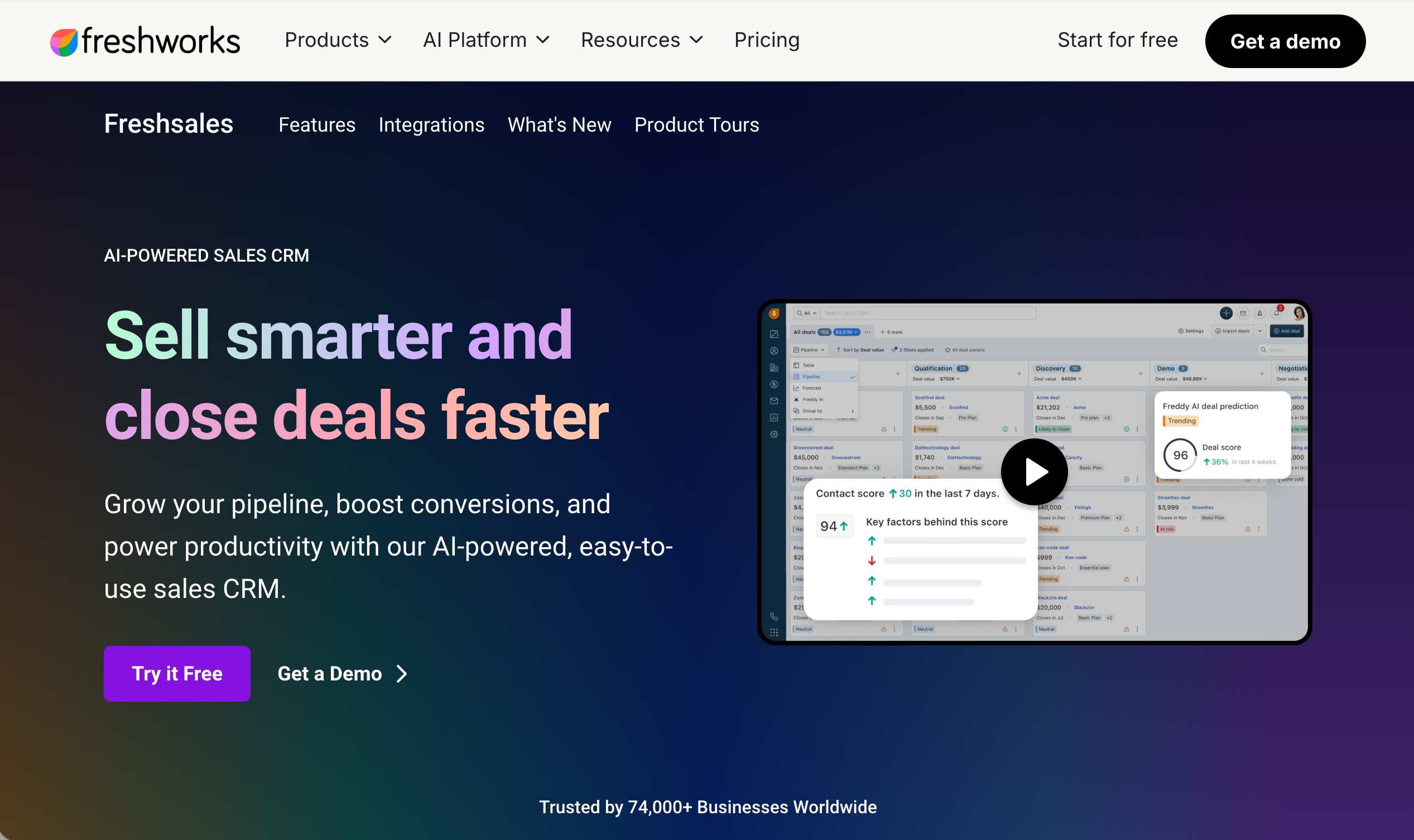
Built-in telephony and Freddy AI give Freshsales an edge for teams doing a lot of outbound calling without a separate dialler tool.
Where it breaks down: the AI features get most of the attention, but the core pipeline experience hasn't kept pace, and companies needing marketing or service in the same system will need to add the wider Freshworks suite.
7. Copper CRM
Best for: Teams that live entirely inside Google Workspace.
Copper's native Gmail and Calendar integration genuinely removes manual data entry for Google-first teams.
Where it breaks down: step outside Gmail and Copper's usefulness drops sharply. It's a strong fit for a narrow use case and a weak one for anything broader.
8. Monday Sales CRM
Best for: Teams already running their operations on Monday.com.
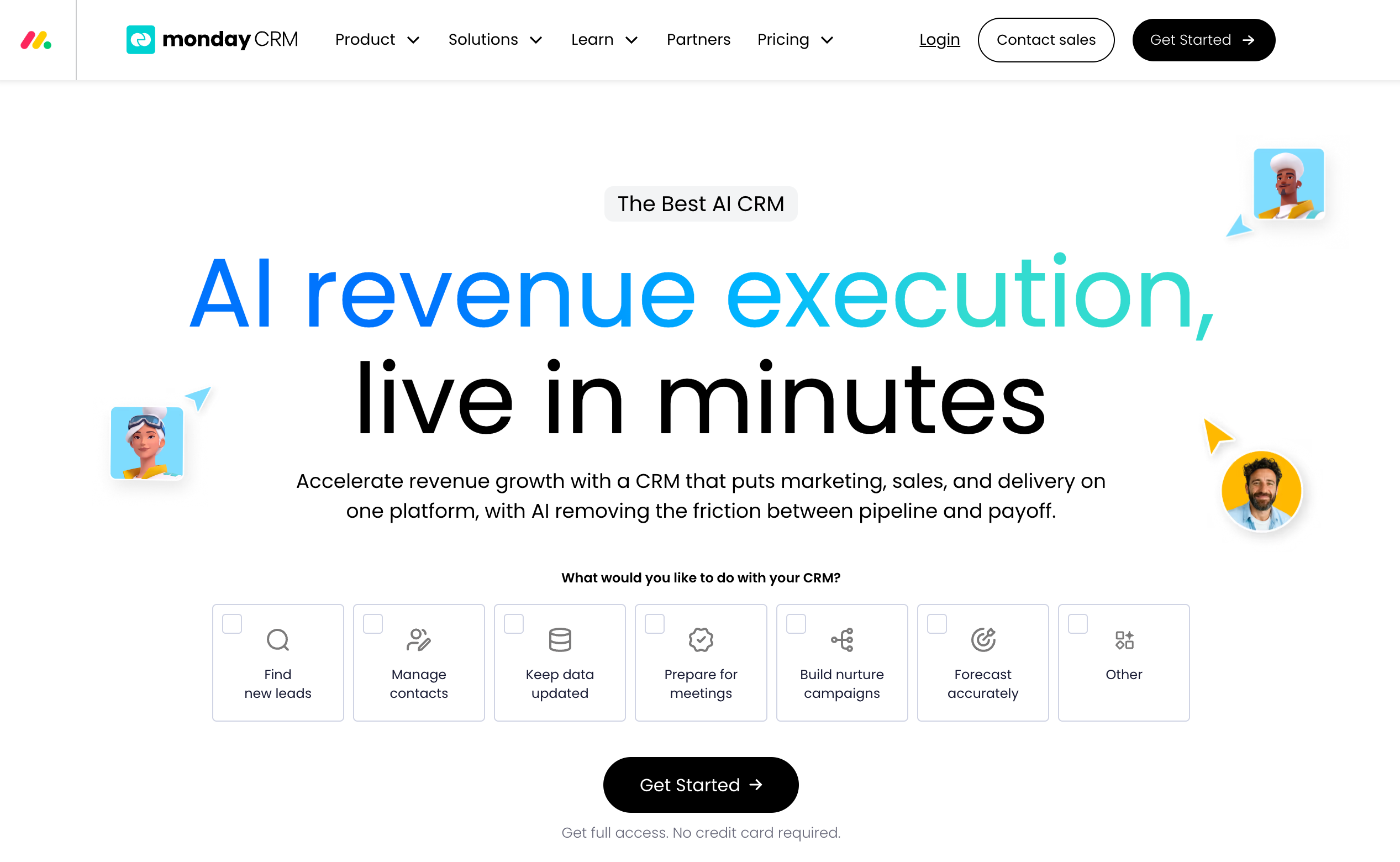
Monday CRM has the custom pipelines and automations layered onto the familiar Monday.com interface make this an easy sell to teams already using the platform for other work.
Where it breaks down: it's a work management tool with a sales CRM built on top, not a sales CRM from the ground up. Sales-specific depth, like forecasting and pipeline analytics, is thinner than in purpose-built sales platforms.
9. Teamleader
Best for: European agencies and consultancies that want quotes, projects, and invoicing alongside sales.
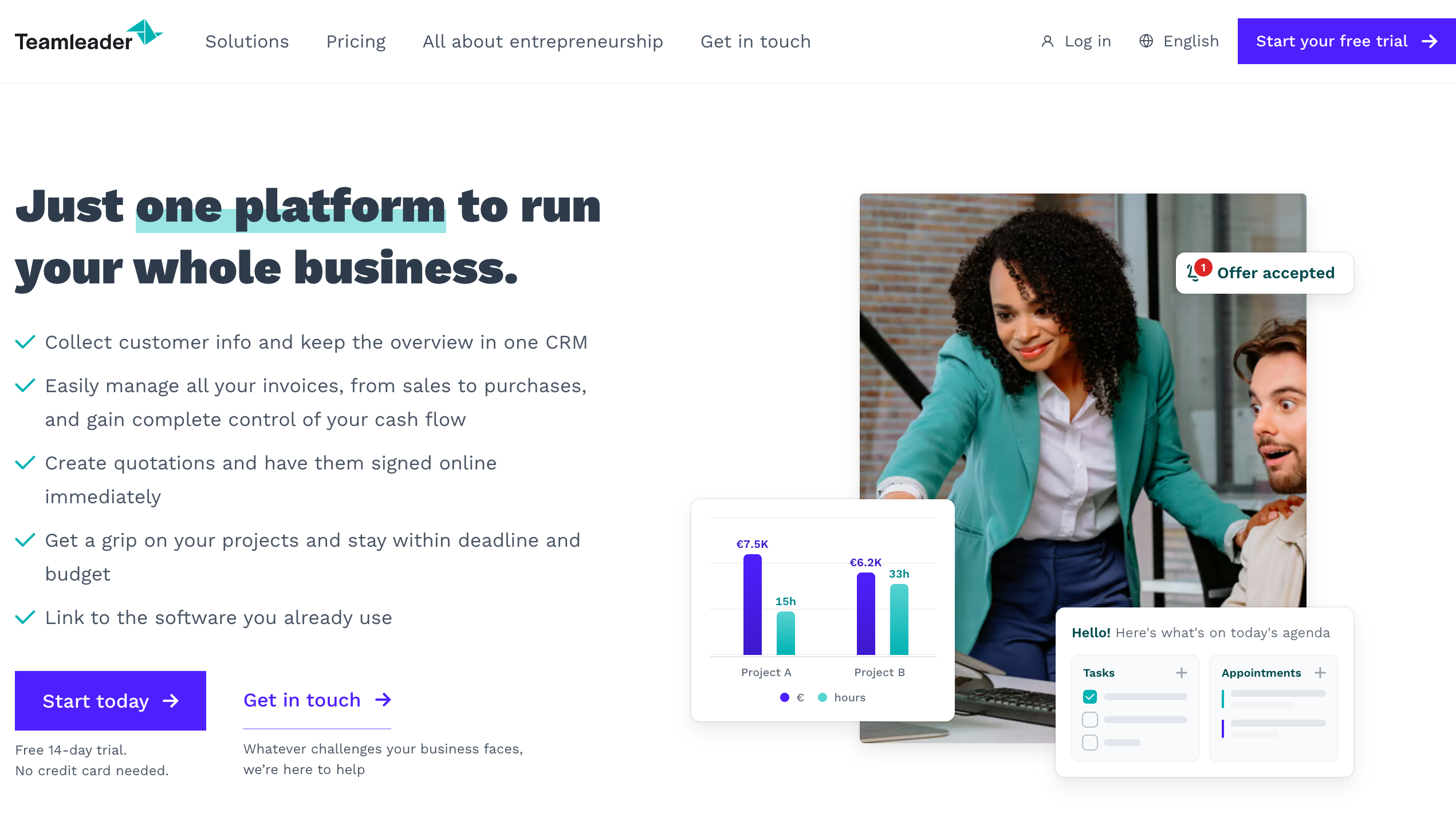
Teamleader's quote-to-cash flow is genuinely useful for service businesses that need one system from lead to invoice.
Where it breaks down: the sales pipeline features are secondary to the project and billing tools. Businesses whose core need is pipeline forecasting and deal management will find it shallower than dedicated sales CRMs.
10. Insightly
Best for: Teams that stay closely involved with customers after the deal closes.
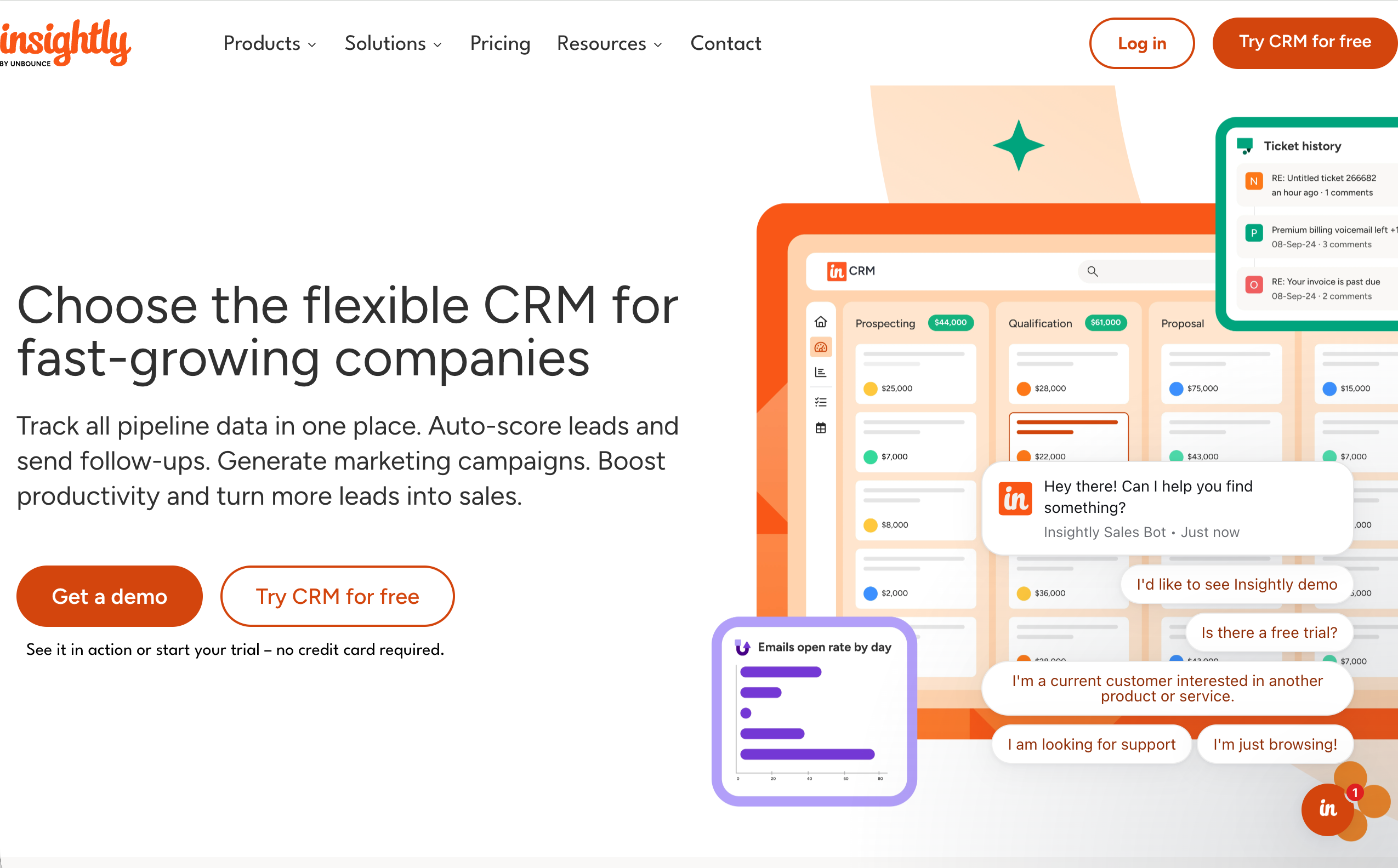
Insightly has a combined CRM and project management that makes post-sale delivery visible alongside the original deal record.
Where it breaks down: the sales-specific tooling is the weaker half of the product. If your priority is pipeline management rather than delivery tracking, it's not built to lead with that.
Best sales CRM for European businesses
Most of the CRMs above were built for the US market first, with European needs added on afterwards. That ordering matters more than it sounds.
European B2B companies tend to deal with longer, multi-stakeholder sales cycles, tighter data protection requirements, and buyers who expect a more consultative sales process than a high-volume US-style motion. A CRM built around US sales assumptions can still work here, but it's rarely the best fit.
SuperOffice was built the other way round: European first, with 30+ years focused specifically on B2B relationships in this market. That means GDPR-compliant hosting by default, not as an add-on module, native support for the ERP systems common across European mid-market companies, and pricing that doesn't require a US-style implementation partner to get started.
If choosing the right regional fit matters to you, we've gone deeper on this in blog article: Best CRM for European businesses.
What the wrong CRM will cost you
It's easy to treat CRM choice as a preference question: which interface do reps like best? But the cost of the wrong fit shows up in ways that don't get tracked until they've already added up.
We just launched an original research survey of European manufacturing decision-makers on exactly this question, and the data is telling. Even in companies that already use CRM, ERP, and spreadsheets side by side, teams are losing hours every week just searching for or reconciling customer information, hours that should have gone into selling. The pattern holds well beyond manufacturing: when customer data lives in three or four disconnected places, nobody has a genuinely current view of their top accounts, and the first sign of a slipping deal is often the customer telling you directly, once it's already serious.
That's the real argument for choosing carefully rather than picking whatever tool the team happened to try first: a CRM that scattered data quietly undermines is a cost line that never shows up as a cost, until the quarter you can't explain a slipped deal.
Choose a CRM that matches how your sales team sells
The best sales CRM isn't the one with the longest feature list. It's the one your reps will still be using, properly, in six months.
If you're weighing up a handful of these platforms, start with how your sales team actually sells: long relationship-led cycles or fast transactional ones, one department or three working from the same data, a small budget or room for an implementation partner. That answer narrows the list faster than any comparison table.
Want to see how SuperOffice handles your specific sales process?
See it in action, or try our interactive sales pipeline health check to see where your current setup is costing you time.
Frequently asked questions
Pipedrive and SuperOffice CRM both suit small sales teams well, but for different reasons. Pipedrive is the simpler pure-pipeline tool. SuperOffice fits small companies that expect to grow into needing marketing and service in the same system, without switching platforms later.
SuperOffice CRM is built specifically for European B2B sales, with GDPR-compliant hosting, ERP integrations common in European markets, and pricing that doesn't require a US-style implementation partner.
Usually, yes. Salesforce's depth is genuinely valuable for large, complex sales organisations, but most SMBs end up paying for customisation and admin overhead they'll never fully use.
Not if you choose a suite-based CRM like SuperOffice, where sales, marketing, and service share one customer record. Pipedrive, Copper, and Monday Sales CRM are sales-only, so you'll need to integrate or add separate tools for marketing and service.
Entry-level tools start around free to a few pounds per user per month. Mid-market suite CRMs typically sit in the tens of pounds per user per month. Enterprise platforms like Salesforce can run considerably higher once customisation and implementation are included.
With pre-built templates like SuperOffice's CRM Fast Track, small to mid-sized companies can be live within days. Highly customised platforms like Salesforce typically take weeks to months, depending on the complexity of the build.
Related posts:


